Multi-cloud discovery
Azure subscriptions, AWS accounts (multi-account SSO) and OpenShift connections. Pick the clusters you want and they show up grouped by provider.
The desktop IDE that finds your AKS, EKS and OpenShift clusters, connects you to private ones without tunnel gymnastics and flags expiring certificates, upgrade-blocking PDBs and orphan disks. And when something doesn’t add up, it explains it with AI.
Twelve terminal tabs, four kubeconfigs, an SSH tunnel that dies at 3 a.m. and a certificate nobody knew was expiring. Sound familiar?
An az aks get-credentials here, an aws eks update-kubeconfig there, and your ~/.kube/config now reads like an ancient scroll.
Bastion, SSH hop, kubelogin, local port… five commands to look at one pod. And again tomorrow.
The upgrade hangs on a PDB, the certificate expired yesterday and you’re paying for disks nobody uses.
That’s why it’s called Aurelia. Azure, AWS, OpenShift in your datacenter or your good old kubeconfig: all attached to the same body.
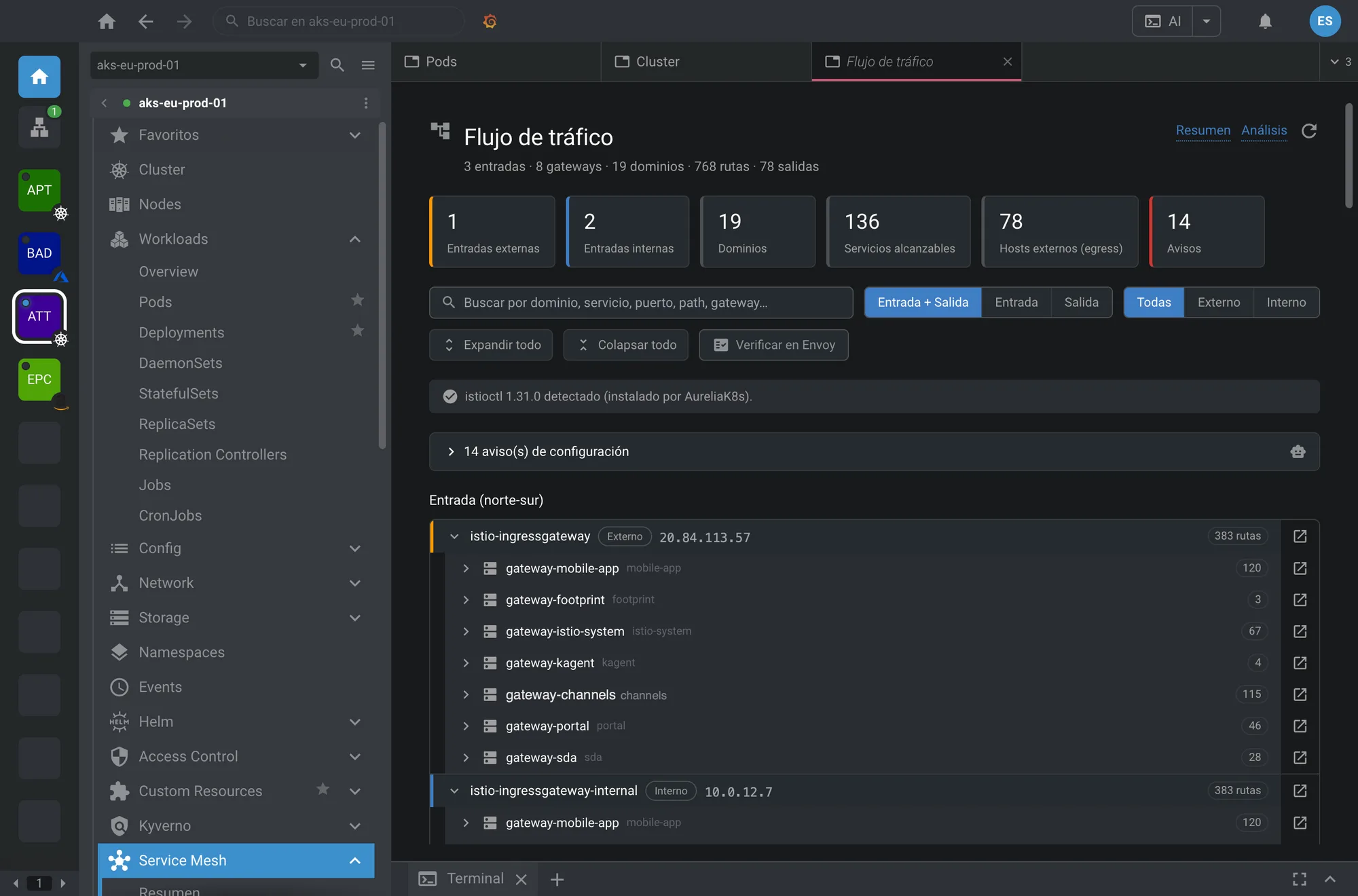
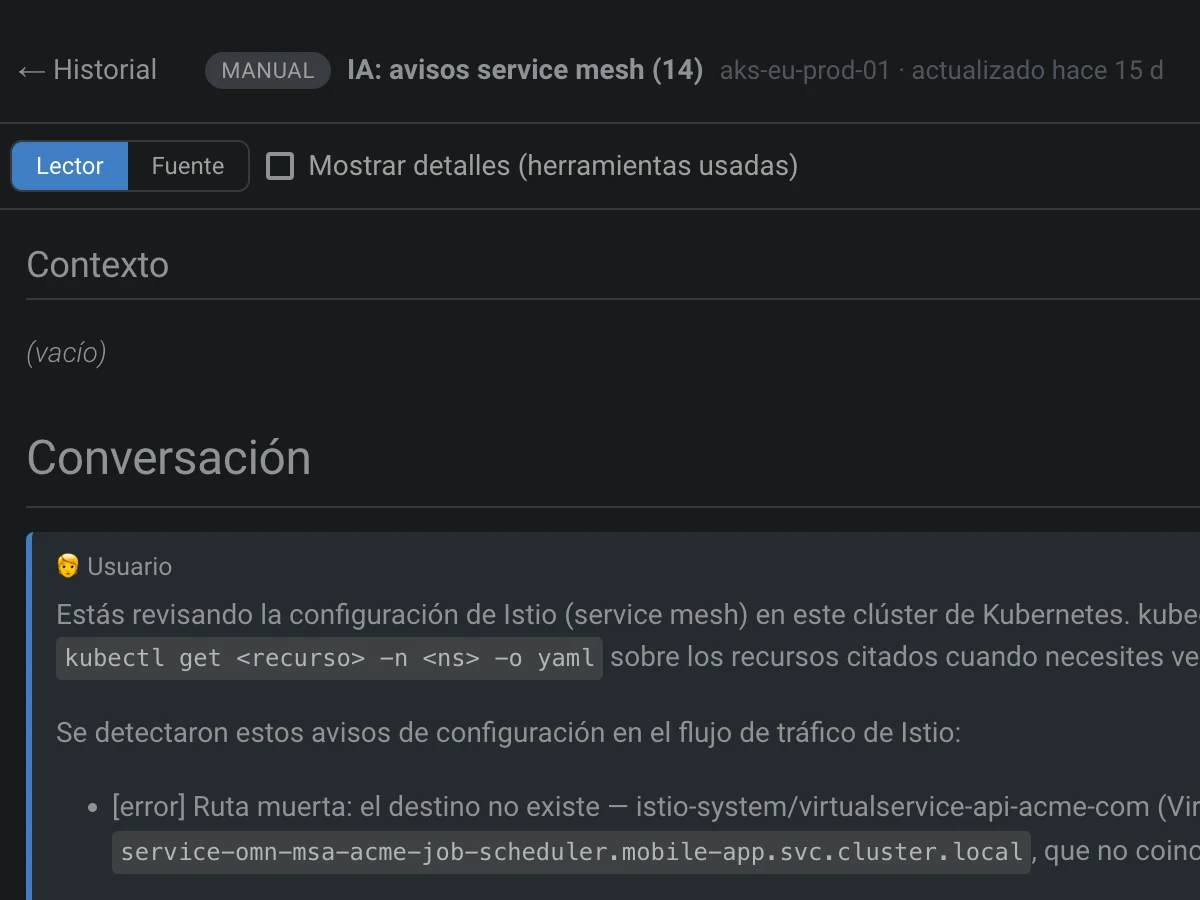
Not a chatbot glued to a corner. AI lives inside every view: on a failing pod, on an Istio warning, on an expired certificate. One click and it tells you what’s going on, why, and what to check next.
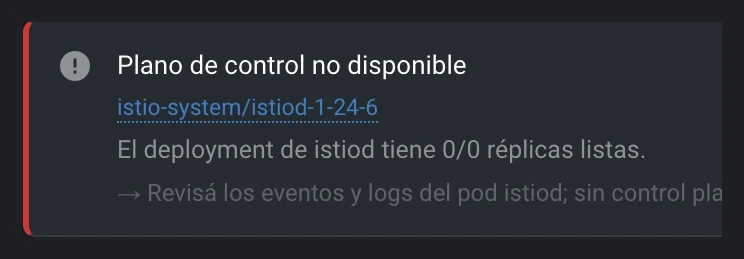
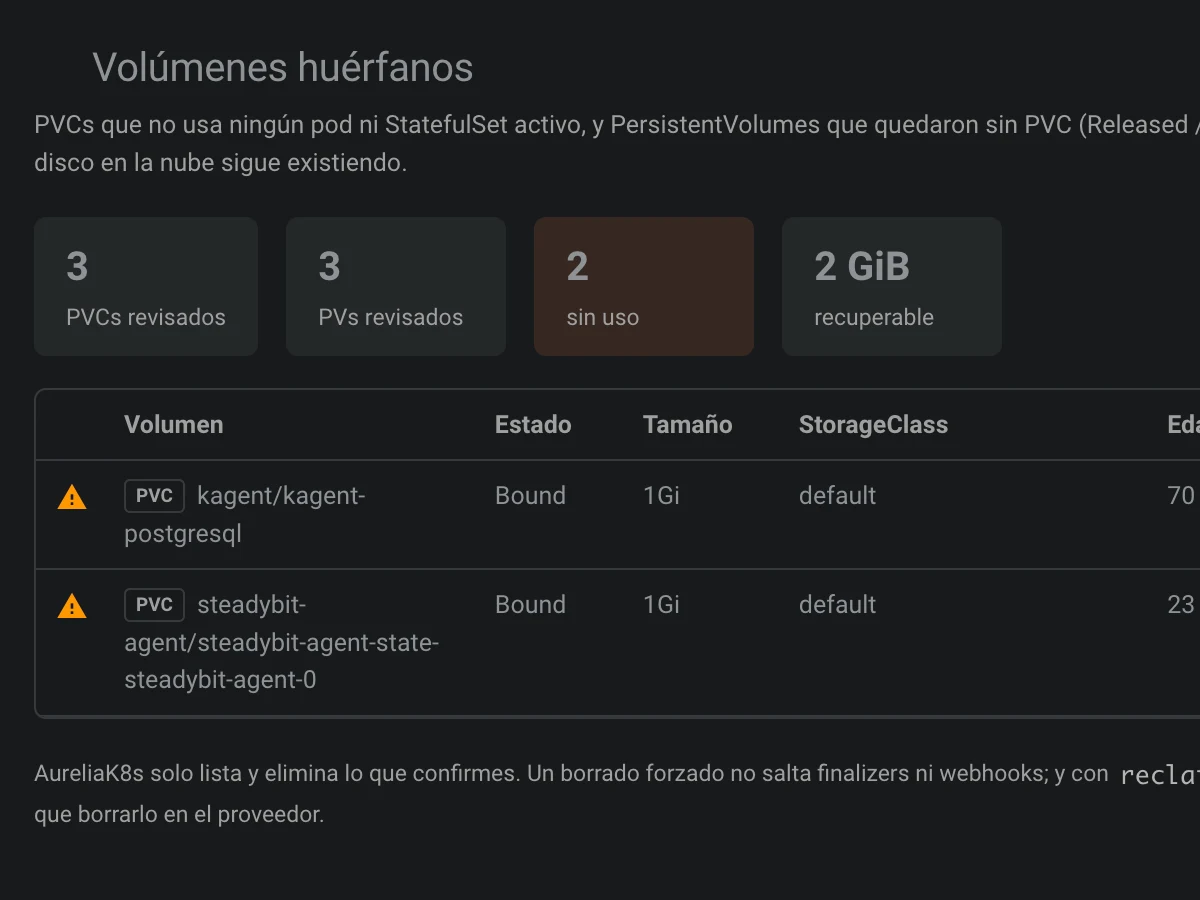
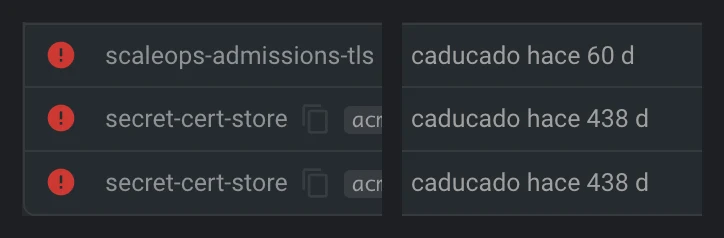
Read-only checks that sweep the whole cluster and show you only what matters. No endless dashboards: one list, the cause, and what to do.
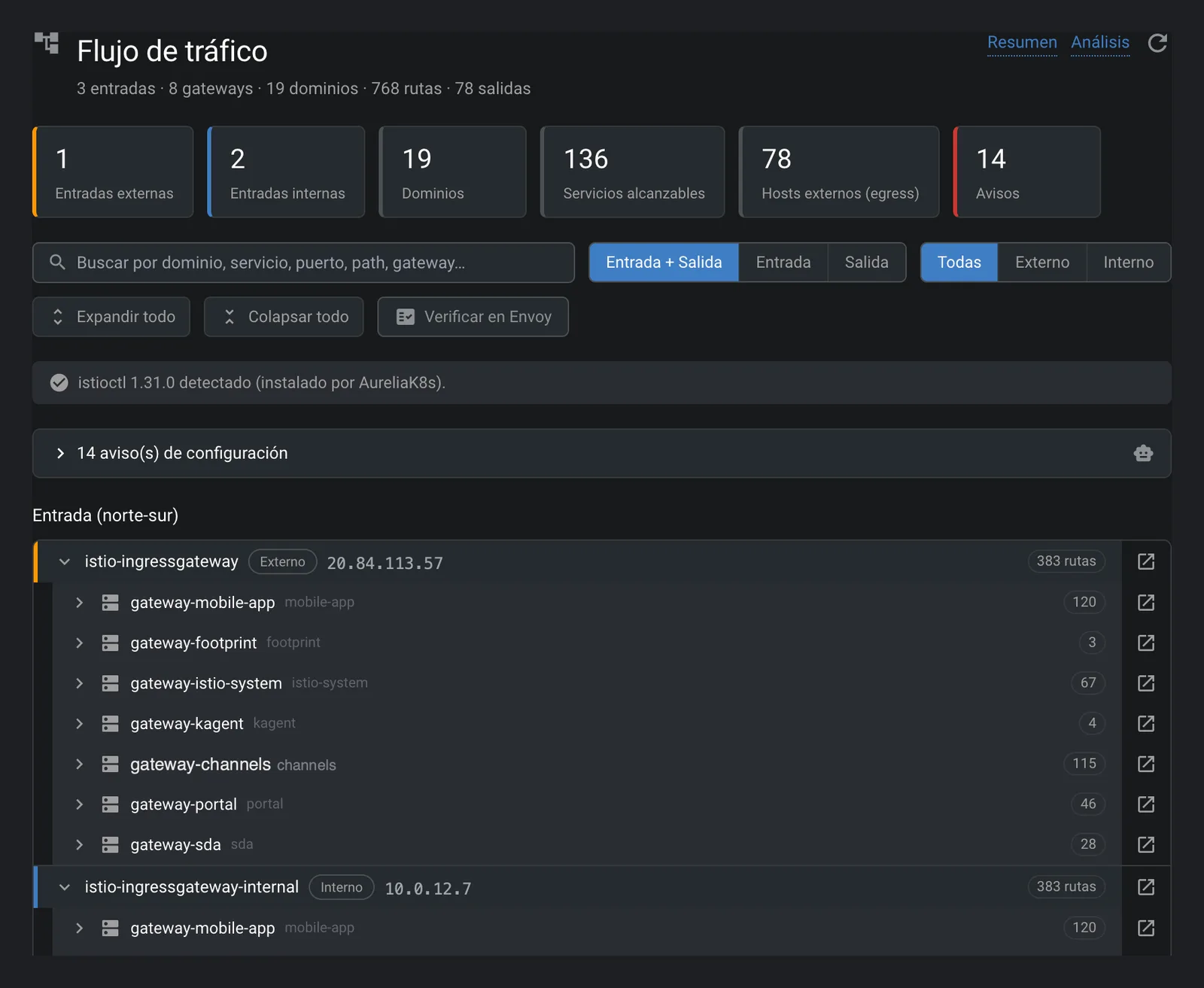
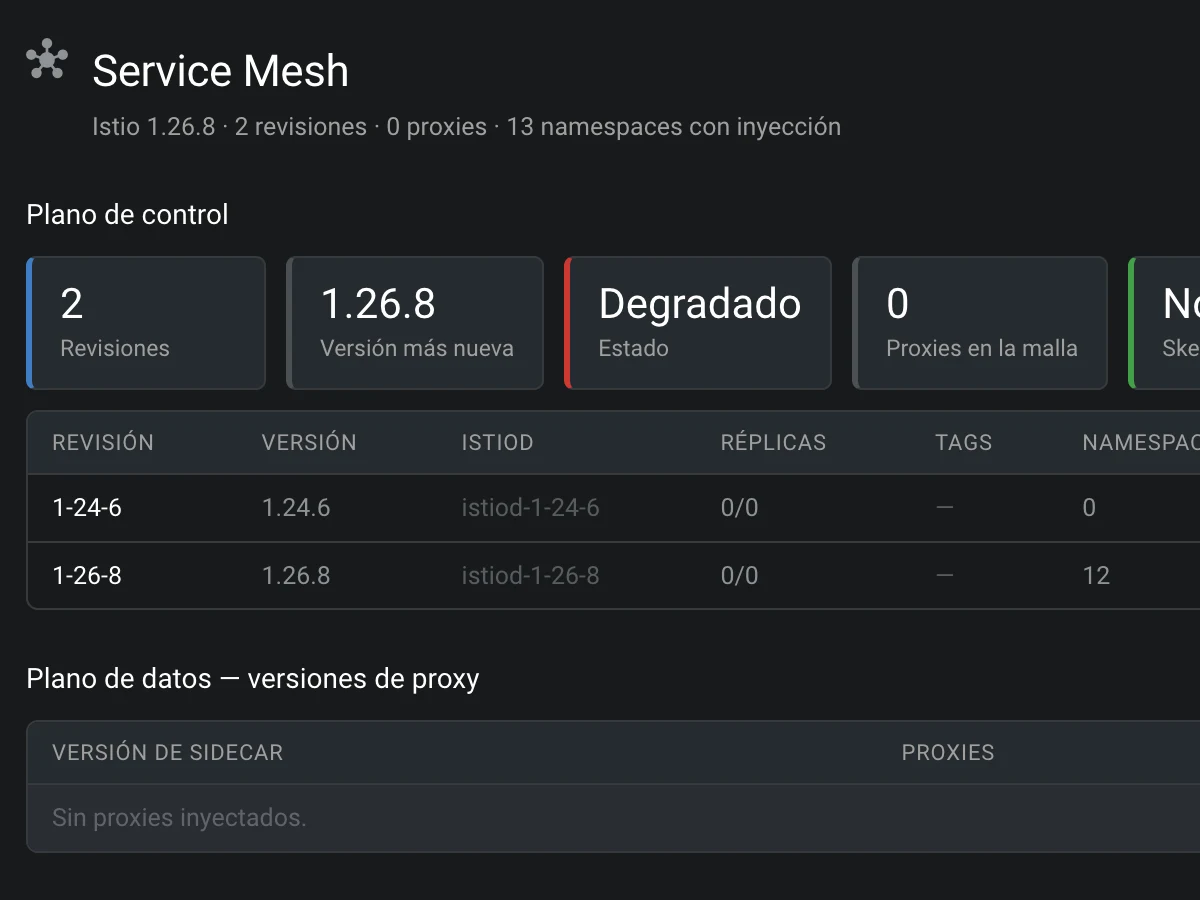
Stop reading 400-line YAML to figure out where a request goes. AureliaK8s draws the path and points at where it breaks.
Pods, deployments, logs, Helm, terminal and events, polished. And on top, tools built for real platform work.
Azure subscriptions, AWS accounts (multi-account SSO) and OpenShift connections. Pick the clusters you want and they show up grouped by provider.
Built-in Bastion and SSH hop, kubelogin with Entra ID handled. No ssh or sshpass to install.
An “Explain it” button on resources, warnings and checks, with the context already gathered.
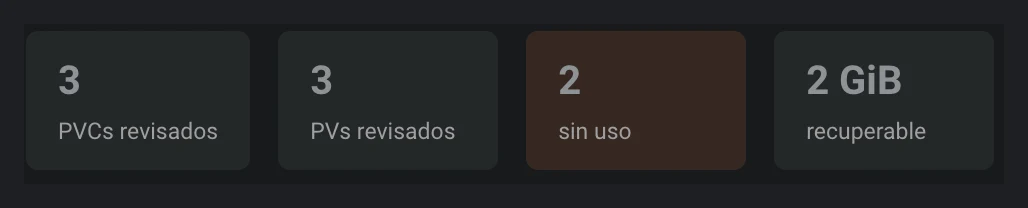
Certificates, PDBs, orphan volumes and probes, in one prioritized list.
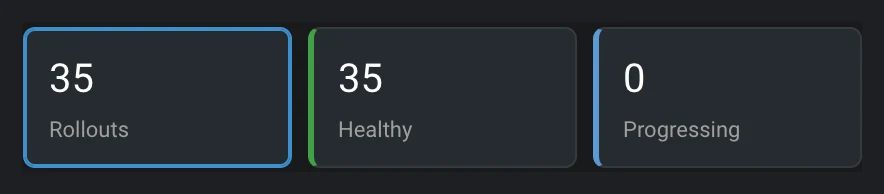
Summary, traffic flow, analysis and a readable view of every resource. Promote or abort a rollout without memorizing the plugin.
Distroless, no shell, read-only? An assistant builds the right kubectl debug for what you want to do.
Every feature, for everyone. If AureliaK8s saved your Friday afternoon, you can return the favor… and farm some aura while you’re at it.
All of AureliaK8s. No fine print, no cluster limit, no “14-day trial”.
Exactly the same as the free plan. But with +1000 aura. Science can’t explain it yet, but your pods can feel it.
Cancel anytime. You keep the aura.
Aura is non-transferable, not publicly traded and won’t fix CrashLoopBackOff. But it helps.
If AureliaK8s saves your team even a couple of headaches a month, sponsoring it is one of the easiest lines to justify in your platform budget. And it buys more uptime than a post-mortem meeting.
Your support pays for development time, code signing, update infrastructure and the features your team will need tomorrow.
No contracts or lock-in · The free version stays free
There isn’t one. No data selling, no locked features. The project runs on donations and sponsorships; the Supporter plan unlocks nothing extra except +1000 aura and our eternal gratitude.
AureliaK8s doesn’t ship its own AI: it uses the CLI you choose, Claude Code or GitHub Copilot CLI, with your own account. Resource context is sent to that provider only when you ask for an analysis. If you configure none, AI features simply don’t show up.
No. Clusters discovered in Azure, AWS or OpenShift are stored in their own kubeconfigs inside the app’s private folder. Your local kubeconfig is read as-is, never modified.
Just what you already use: the az CLI (with kubelogin) for Azure and the aws CLI for EKS. The SSH hop for private clusters is built in. For AI, Claude Code or GitHub Copilot CLI.
Yes. For private AKS it uses Azure Bastion with a built-in SSH hop. For OpenShift behind a firewall it can use a bridge pod inside a cluster you can reach.
To send you an access code, so there are no passwords to remember. We store your email and an anonymous identifier for your computer (with its name, OS and app version) only to manage your access. Your cloud credentials stay on your machine, handled by your own CLIs (az, aws).
Today on macOS with Apple Silicon, with automatic updates. Windows and Linux are on the roadmap.
A scientifically imprecise unit measuring how good you feel about supporting independent software. Studies (ours) show +1000 aura reduces pre-deploy anxiety by a percentage we’d rather not make up.
Download AureliaK8s, connect your first cloud in a couple of minutes and find out what your clusters have been trying to tell you.
macOS · Apple Silicon · Windows and Linux on the roadmap